![Image OCR Annotation with Unitlab AI with Examples [2026]](/content/images/size/w2000/2026/01/OCR.png)
In our previous post, we explored the different types of image annotation and their applications in different industries. In this post, we’ll focus on the most practical and widely used type in document processing: Image OCR.
 Hojiakbar Barotov
Image Annotation Types | Unitlab AI
What is OCR?
Traditionally, to process bank statements, invoices, and contracts, clerks would spend hours entering financial data into spreadsheets manually. This is a tedious and error-prone task that no one wants to do. It becomes a necessity to automate this process to cut down processing time and reduce human errors, usually with the help of OCR technology.
 Hojiakbar Barotov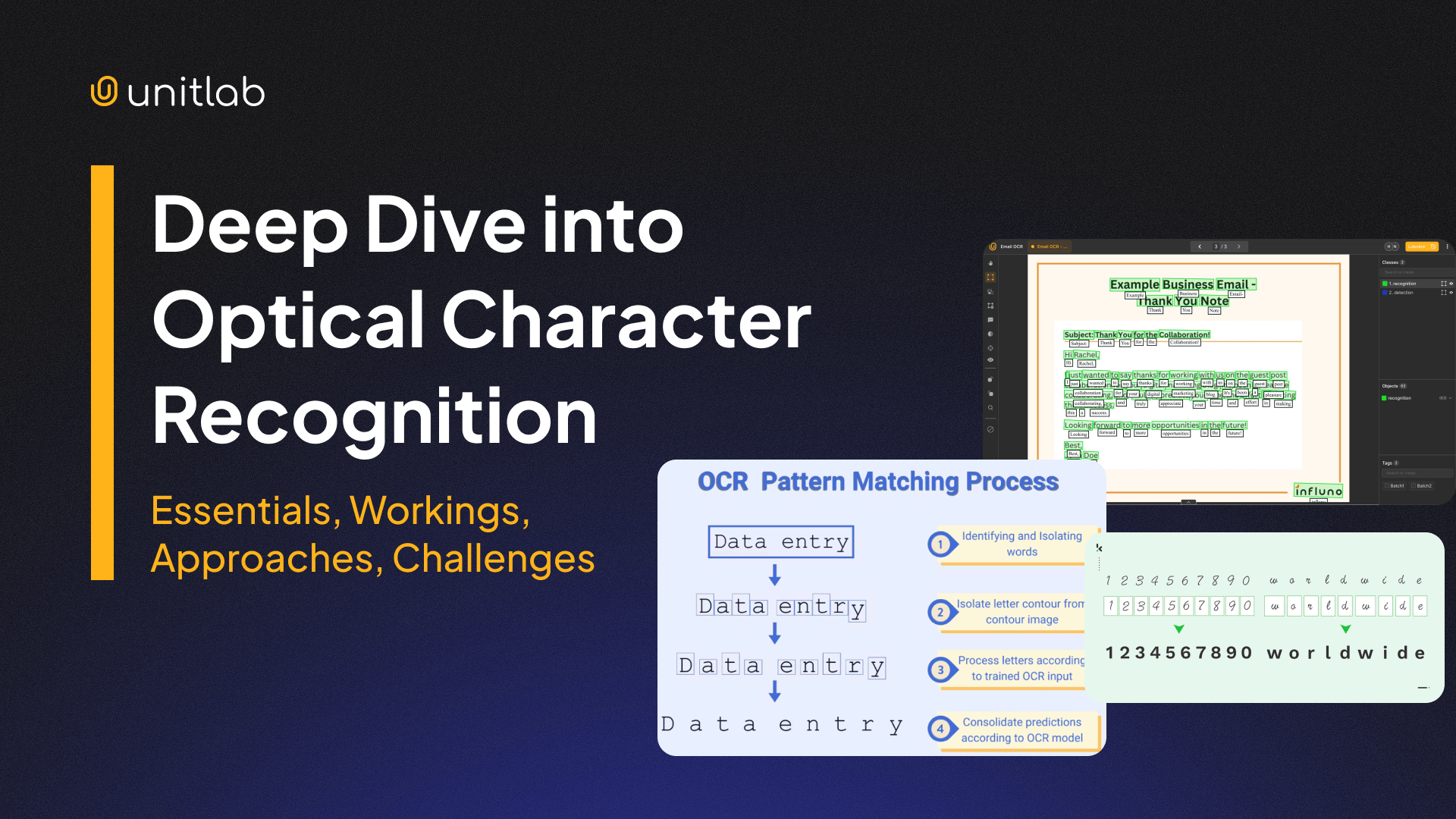
Deep Dive into OCR
OCR is the process of extracting text from images, such as scanned documents, screenshots, or photos, and then converting it into editable and searchable text formats. For example, translation apps (Google Translate) scan and convert images into a body of text which it then translates. Banks also use this technology to process checks and invoices.
For your computer vision projects and multimodal applications, OCR can successfully handle complex challenges due to recent advancements in AI/ML models. OCR systems have become more accurate than ever, overcoming challenges like poor lighting, skewed text, and complex fonts.
Solutions
The OCR technology has numerous benefits, but if you are looking for a solution that automates your data annotation workflows, it is likely that you may want to use a data annotation platform that offers your desired capabilities and pricing plans.
Earlier this year, we cross-compared the top 12 data annotation platforms for you to make an informed decision before choosing the tool to work with:
 Shohrukh Bekmirzaev
12 Best Image Annotation Tools of 2024 | Unitlab Annotate
Unitlab AI is a collaborative and AI-powered data annotation platform that offers a wide range of data labeling solutions, services, and support for different types of data (image, text, audio, video, and medical). Unitlab provides the full OCR pack with support for 123 languages, which many other data annotation platforms do not have specific support.
Due to its specific support for Image OCR, with Unitlab AI you can now both accelerate Image OCR workflows and cut down on costs at the same time.
Tools
Let’s see how to set up your project and explore three major types of OCR and how to use auto-annotation effectively with them at Unitlab Annotate:
- General OCR
- Document OCR
- Fintech OCR
Set Up Your Project
Let's first set up our project. Follow our tutorial for project configuration:
 Hojiakbar Barotov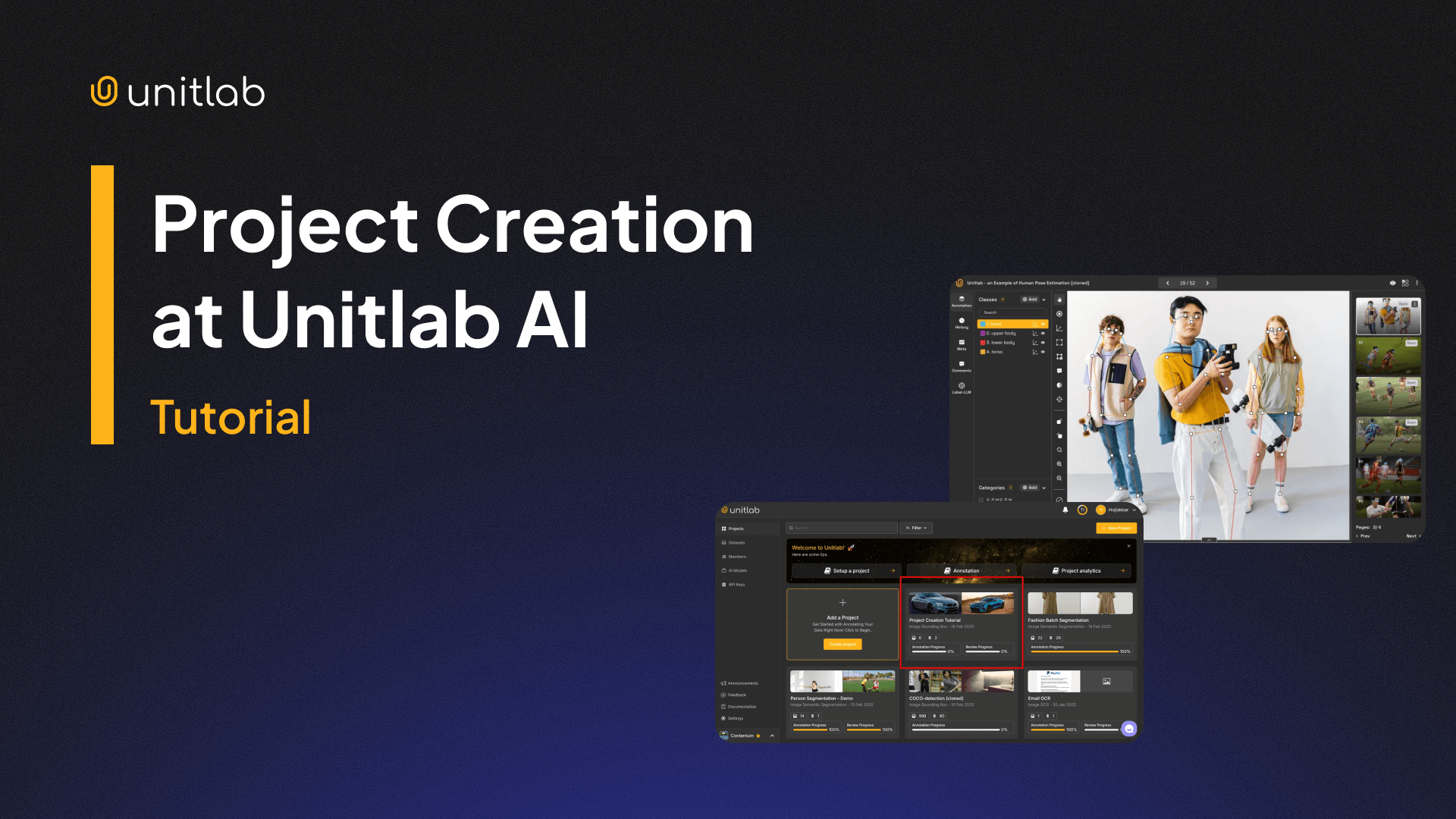
Creating Project | Unitlab AI
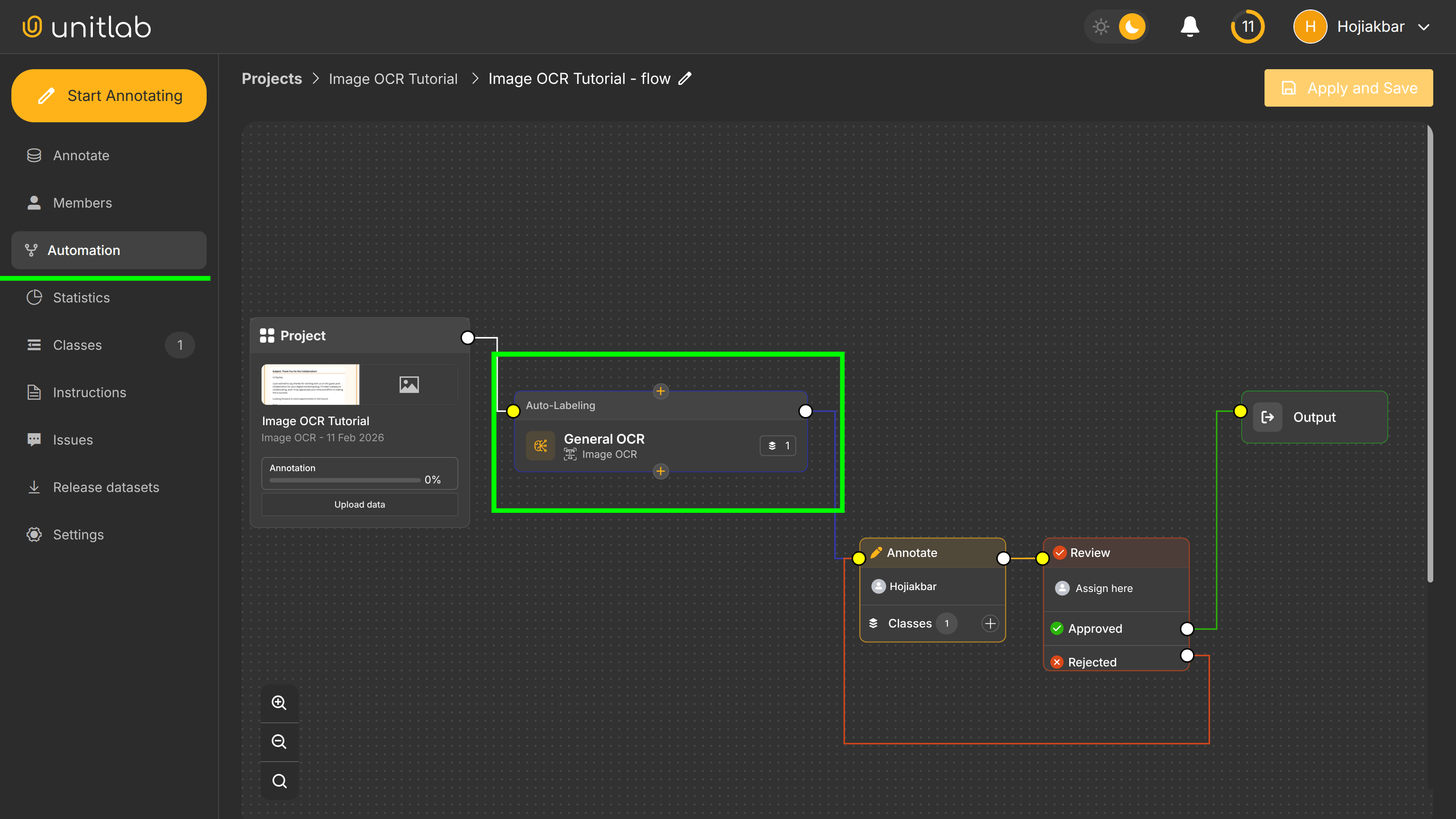
In our case, in the first step, we will choose Image OCR as our image annotation type and use Document OCR as our auto-annotation model in our automation workflow. You may of course use other built-in AI models or integrate your own AI model with Unitlab AI.
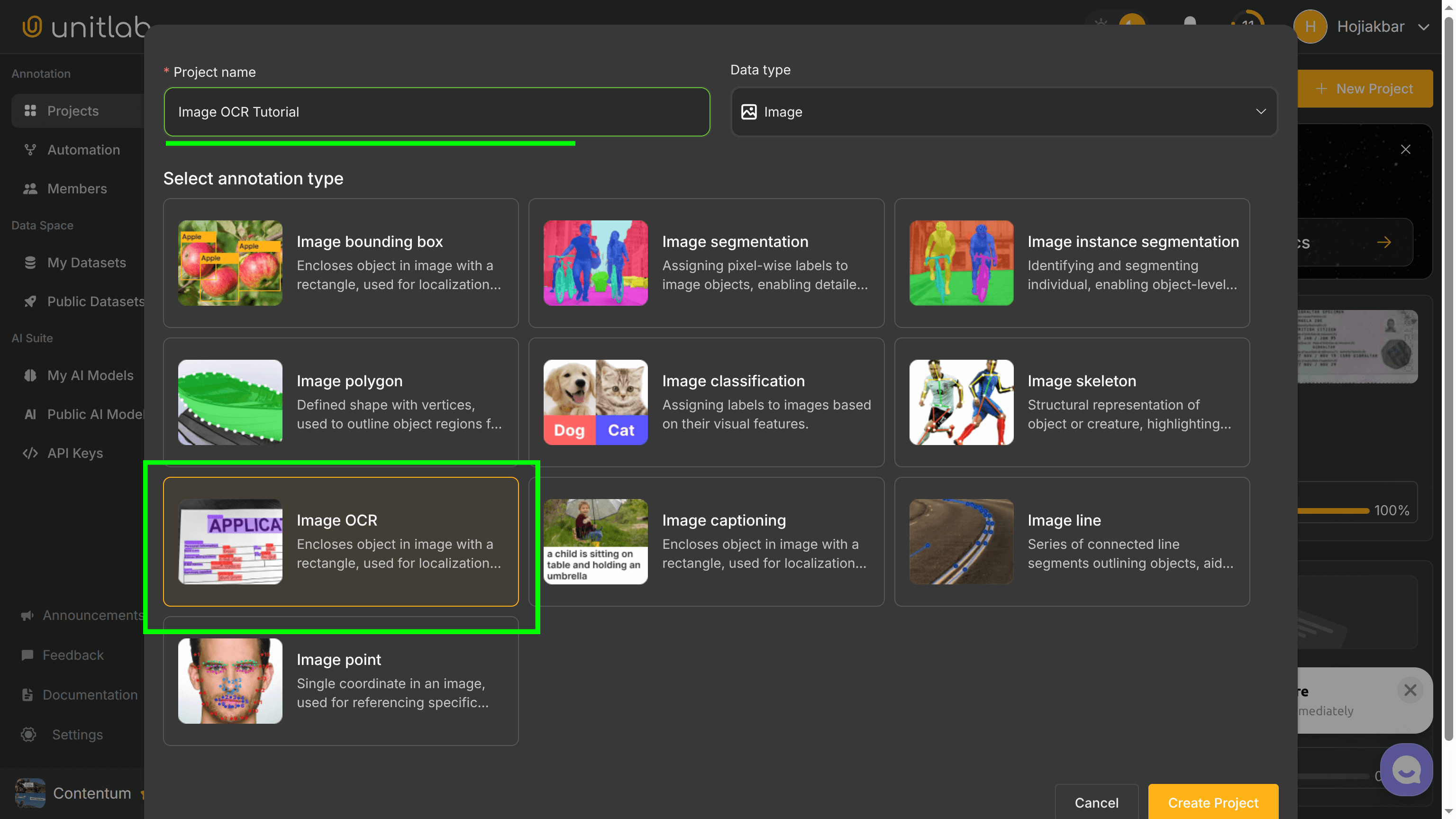
Now, let's explore 4 types of Image OCR at Unitlab Annotate and see how we can use batch and crop auto-annotation for Image OCR to automate our workflows. For demonstration purposes, I am using a generic thank you email, which you can access here.
First, you should set up an automation workflow:
General OCR
General OCR is a versatile solution designed to handle a wide range of tasks, from digitizing books to recognizing text on street signs or product labels. It’s the ideal choice for projects that require flexibility and adaptability.
Unitlab AI provides a comprehensive image annotation solution for general OCR needs. By enabling efficient data labeling and supporting dataset version control, it ensures that your models are always trained on the most up-to-date and consistent data.
General OCR | Unitlab AI
This is particularly beneficial for projects involving diverse text types, sizes, and orientations. For large-scale tasks, the platform’s data auto-labeling features streamline the annotation process, saving valuable time.
Document OCR
Document OCR is designed to extract text and preserve formatting in structured documents like invoices, contracts, and forms. Maintaining layouts such as tables, columns, and headers is critical for applications in industries like healthcare, insurance, and legal services. If needed, you can only extract and process parts you need with crop auto-annotation.
Crop Auto-Annotation for Korean OCR
With Unitlab AI, you can create datasets tailored for document OCR with precision. The platform’s robust annotation capabilities make it a trusted partner for businesses digitizing their workflows.
Fintech OCR
Fintech OCR focuses on extracting data from financial documents such as receipts, invoices, and bank statements. It requires a high degree of accuracy, especially for recognizing numbers, currencies, and percentages. In this case, the emphasis is on the accuracy of the model as the stakes in the financial sphere is high.
Unitlab AI supports fintech applications with its specialized data labeling tools. These tools allow users to annotate datasets with financial-specific details, creating high-performing OCR models. Whether you’re automating expense tracking or fraud detection, Unitlab Annotate’s data annotation solutions help you achieve reliable results.
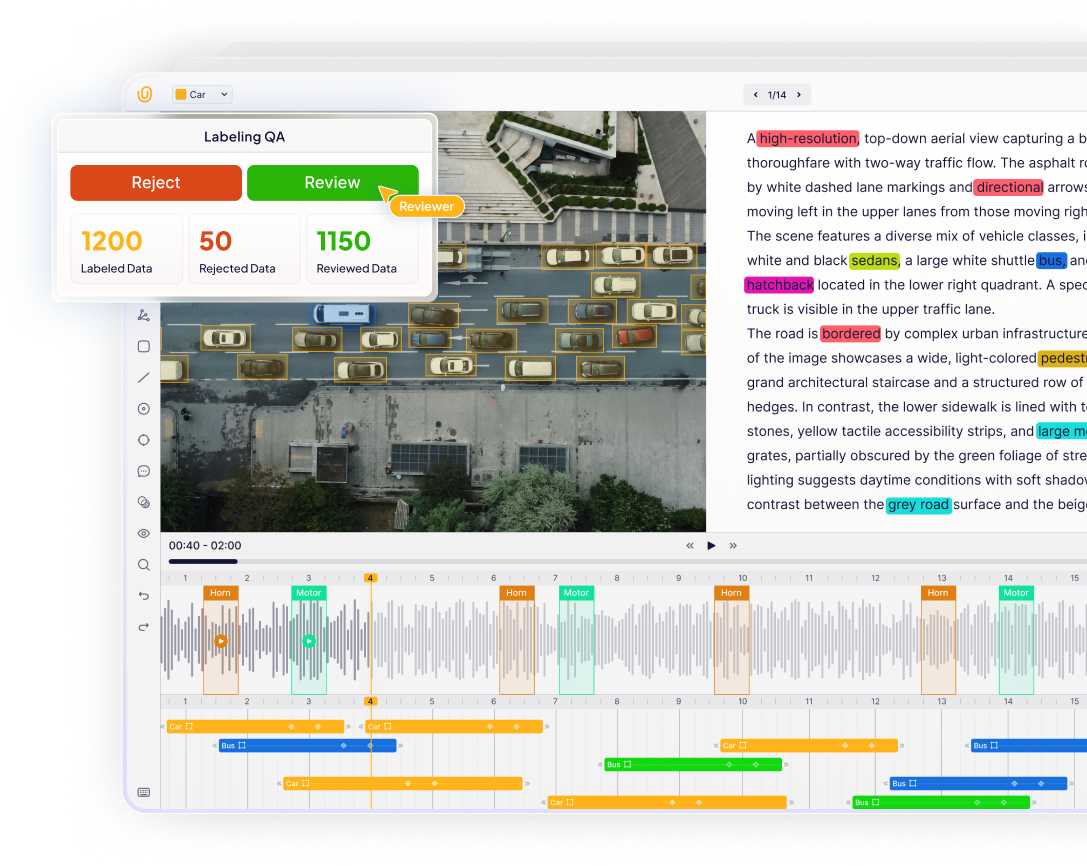
AI Integration
If you already have an AI model for your image OCR tasks, but want to use features data annotation platforms offer, such as model visualization, model evaluation, and dataset management, you can integrate your own AI models with Unitlab AI.
Check out our tutorial for integrating YOLOv8 with Unitlab Annotate to annotate human instance segmentation.
 Shohrukh Bekmirzaev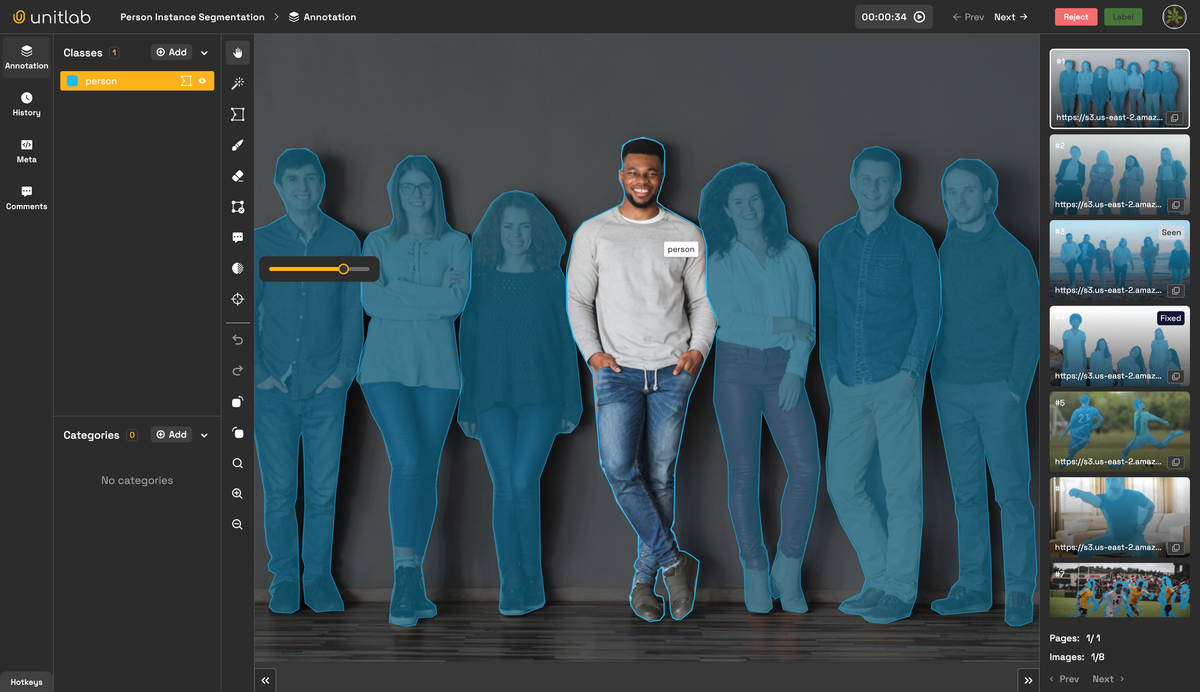
Integrate YOLOv8 with Unitlab Annotate
Which One Should You Choose
As always, choosing the right type of OCR depends on your specific needs:
- For diverse applications: Go with General OCR for its adaptability and flexibility.
- For structured documents: Choose Document OCR to maintain layouts and formatting.
- For financial tasks: Opt for Fintech OCR for accurate recognition of numerical data.
Conclusion
OCR technology continues to transform how we interact with image-based text. Whether you’re digitizing documents, automating financial processes, or analyzing complex datasets, having a reliable image annotation tool is essential.
Unitlab Annotate offers everything you need to streamline your workflow, from data labeling services to auto-labeling tools and AI dataset management. It’s a complete data annotation solution that empowers you to build accurate and efficient OCR models, no matter the scale of your project.
Start optimizing your OCR process today with Unitlab Annotate, your trusted partner for all things data annotation, augmentation, and curation.
![Best Practices to Accelerate Data Annotation Pipelines [2026]](/content/images/size/w360/2026/01/Accelerate.png)