The difference between professional data annotation projects carried out by companies and toy hobby projects done by students and enthusiasts is clear as day and night.
First, the stakes are much higher in professional data labeling projects because of clear objectives, time constraints, and defined budgets. If something goes wrong, there will be definite consequences for the company. On the other hand, small hobby annotation projects are usually for learning, experimentation, and demos.
Second, scale differs. Professional data labeling projects include moderate-to-large teams, thousands of different data points (images, text, audio), and significant expenditure. Compare this setup with a solo developer or hobbyist trying out multimodal annotation for the first time for experimentation purposes, for free.

Finally, large data labeling pursuits by corporations require major planning and budgeting beforehand. While they attempt to stay lean and flexible, each project has its schema to follow, budget to consider, and defined business objectives to achieve. Small toy projects do not usually have these constraints or major planning in advance.
In this post, we are going to discuss how to configure and start a big data annotation project with Unitlab AI. This comes from our experience and experience of big clients running data labeling projects on our platform. If you are thinking about starting a bigger project, or recently promoted to a larger role in your data team, or just an interested hobbyist, this article is for you.
In this post, we will discuss 9 steps of configuring a professional data annotation project in practice. Below is the summary table of the steps.
| Step | Focus Area | What You Do | Why It Matters |
|---|---|---|---|
| 1. Define Objective | Business + ML goal | Map business decisions to ML task and metrics | Prevents labeling the wrong problem |
| 2. Prepare Data | Raw dataset quality | Check coverage, clean files, plan splits | Reduces noise and rework |
| 3. Label Schema | Classes and attributes | Define taxonomy, boundaries, naming rules | Controls what the model can learn |
| 4. Guidelines | Human consistency | Document rules, edge cases, visual examples | Reduces annotator variation |
| 5. Project Setup | Tool and workflow config | Set tools, schemas, automation, assignments | Enforces rules inside the platform |
| 6. QA Pipelines | Error detection | Multi-stage review, sampling, auto checks | Catches mistakes early |
| 7. Monitoring | Production metrics | Track speed, errors, class balance | Keeps cost and quality under control |
| 8. Versioning | Dataset releases | Freeze snapshots, tag schema changes | Enables fair model comparison |
| 9. Automation + Scaling | Team growth | Roles, AI Automation | Prevents scaling mistakes |
Let's dive in.
#1. Define the Business and ML Objective
This is the most important step that affects every other step. It essentially asks, What do you want to achieve, from a business and technical point?
This is a standard starting point in any project: define business objectives, identify constraints, set the timeline, and work out an initial path. Data labeling projects are of course no exceptions. You should at least have a some sort of strategy or plan even to iterate.
If you fail to plan, you are planning to fail.
—Benjamin Franklin
For starters, this can be as simple as stating, "We plan to develop a high-quality ML dataset to increase the accuracy of our inventory management model by 50%". After further discussion, research, and planning, you should preferably be able to say, "We plan to develop a proprietary multimodal dataset in 6 months for less than $100,000 to improve the accuracy and performance of our ML-powered parking lot monitoring by 45%".
This point should answer quite a few important, specific questions about the data labeling project: What data type(s) to label? Which annotation types to annotate? Which data platform to choose? Outsource or in-house? What are the resources (time, energy, money) allocated to this project? How to measure technical success: IoU, the confusion matrix, or speed? How to define business success?
These questions define your data labeling project.
#2. Prepare and Validate Raw Data
Garbage in, garbage out. If business objectives determine the effectiveness of your project as a whole, your raw source data determines the effectiveness of your final dataset. In other words, if your raw source data is flawed in a major way, your project might be literally doomed.
First, data should be processed adequately: no corrupted files, no duplicates, no irrelevant data points. We need standardized data that makes sense. Then, we need to be aware of common dataset mistakes.
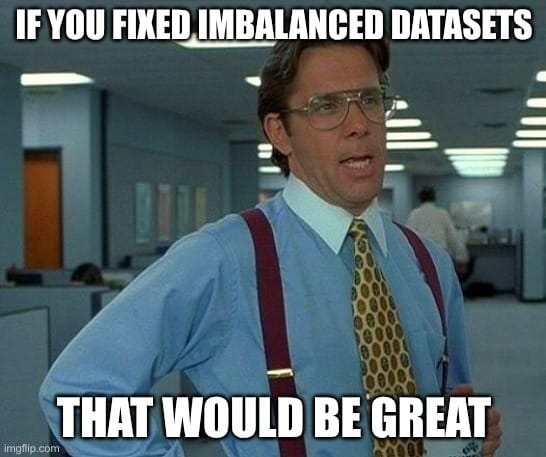
These mistakes include insufficient data quantity (undersampling) or too much similar data (oversampling), lack of data diversity (a limited set of classes), imbalanced class distribution (one class towers above others), and lack of data augmentation. For example, our dataset may contain images only from daytime environments (insufficient data points from the night one), inadequate amounts of audio files, or videos only from one top angle.
Labeling does not fix these errors or magically improve the model's performance. It only makes bad data expensive.
For the rest of the guide, we are going to use this small sample to illustrate a few points.
#3. Design the Label Schema
Once you have specific, definite business and ML objectives, and processed raw data source, you need to define your schema. A schema is a structured framework, blueprint, or mental model that organizes information, representing patterns, concepts, or data structures. Your schema defines what the model can learn.
A clear, full schema ensures that your data annotation classes stay consistent and relevant. Bad schema creates permanent blind spots.
A good scheme includes:
- Class structure: Flat list or parent child hierarchy.
- Attribute design: Some example attributes for image annotation: occluded, damaged, truncated, moving.
- Boundary rules: When two objects become one, these determine how to handle overlaps and reflections.
- Naming standards: Stable names. No synonyms. No shortcuts.
#4. Write Clear Annotation Guidelines
Generally, you want your dataset to be as consistent and accurate as possible because ML models learn patterns and generalize best when there are predictable, consistent patterns. Apart from the variability in the source data, your human annotators are the biggest reason for deviations from the standard.
Humans are not machines; this is what makes them still best for tasks that require judgment and context. They can take a step back and view the bigger picture. However, you need a balance here: standard procedures for human labelers to follow and clear cases where they need to use their judgment.
The best answer so far: guidelines, which reduce human variability and maintain consistency. This is not a tool feature but a standard practice. We have written an entire guide on this, and present a quick summary here:
 Hojiakbar Barotov
Writing Clear Guidelines for Data Annotation Projects
Keep these in mind while writing guidelines for your annotators:
- Visual examples: Correct labels, wrong labels, edge cases.
- Explicit rules: Where to start and stop boxes or polygons.
- Exceptions: When not to label something even if it looks similar.
- Attribute triggers: When to mark occlusion, blur, or truncation.
- Wording: Concise, yet detailed enough, unambiguous, and easy.
If two newly-hired labelers read your guidelines, will they label source data the same way?
#5. Configure the Project in Unitlab AI
The first four steps are pre-processes in that they pave the way for the next five. By now, you should have a pretty clear understanding of your data annotation project's objectives, success measures, budget, team.
You should presumably already have your raw data ready, along with its schema and guidelines for humans to label. Finally, you have already chosen your data annotation platform and pricing plan (or decided to outsource).
Now, it is time to configure a project. For illustration purposes, we will use Unitlab AI, a 100% automated and accurate data platform for data annotation, dataset curation, and model validation. Because our assumption is for professional projects, we will use its Pro pricing plan.
Follow this tutorial to fully understand how to set up a project in Unitlab AI:
 Hojiakbar Barotov
Project Configuration at Unitlab AI
For this illustration, let's upload our guidelines file to our project. Unitlab AI allows that per-project basis:

#6. Set Up QA Pipelines
Before you start annotating your data, you are strongly advised to set up quality assurance processes. In data annotation, quality is the currency. You would not want a large amount of low-quality data. You would want to implement processes to check the quality of your dataset.
Quality is a process. Not a final checkbox you do once. The exact quality assurance process (full vs. sample, periodic vs. ongoing) depends on the nature and size of your project. The current best practice in the data annotation industry is the HITL (human-in-the-loop) approach: automated machines label data, annotators fix them, and reviewers give a final say.
 Hojiakbar Barotov
Human In The Loop Approach
In a nutshell, QA in the HITL works like this:
- Multi-stage review: Annotator → reviewer → expert when needed.
- Sampling strategies: Random samples, high-risk classes, ,odel disagreement cases.
- Agreement checks: Measure consistency between labelers.
- Automated rules: Size limits, overlap constraints, class conflicts.
Unitlab AI provides all the mechanisms (role-based collaboration, statistics, and reviewer/manager roles) to set up powerful QA roles. Start using these features to achieve high-quality, consistent datasets.
#7. Monitor the Project
Are we reaching the milestones? Is our system efficient and effective? Are data annotators hitting targets? Potential class imbalances may happen? Is our approach cost-effective? Are our metrics sufficiently developed?
These questions are standard efficiency questions asked by any project manager. Your tool, platform, or outsource team should be able to answer them based on real data, not just assumptions. This data-driven approach ensures that you get a relatively accurate and unbiased view of your work. Some possible metrics can be:
- Throughput: Tasks per hour per role.
- Rejection rate: How much work gets sent back.
- Class distribution: Detect drift from expected ratios.
- Review backlog: Identify bottlenecks.
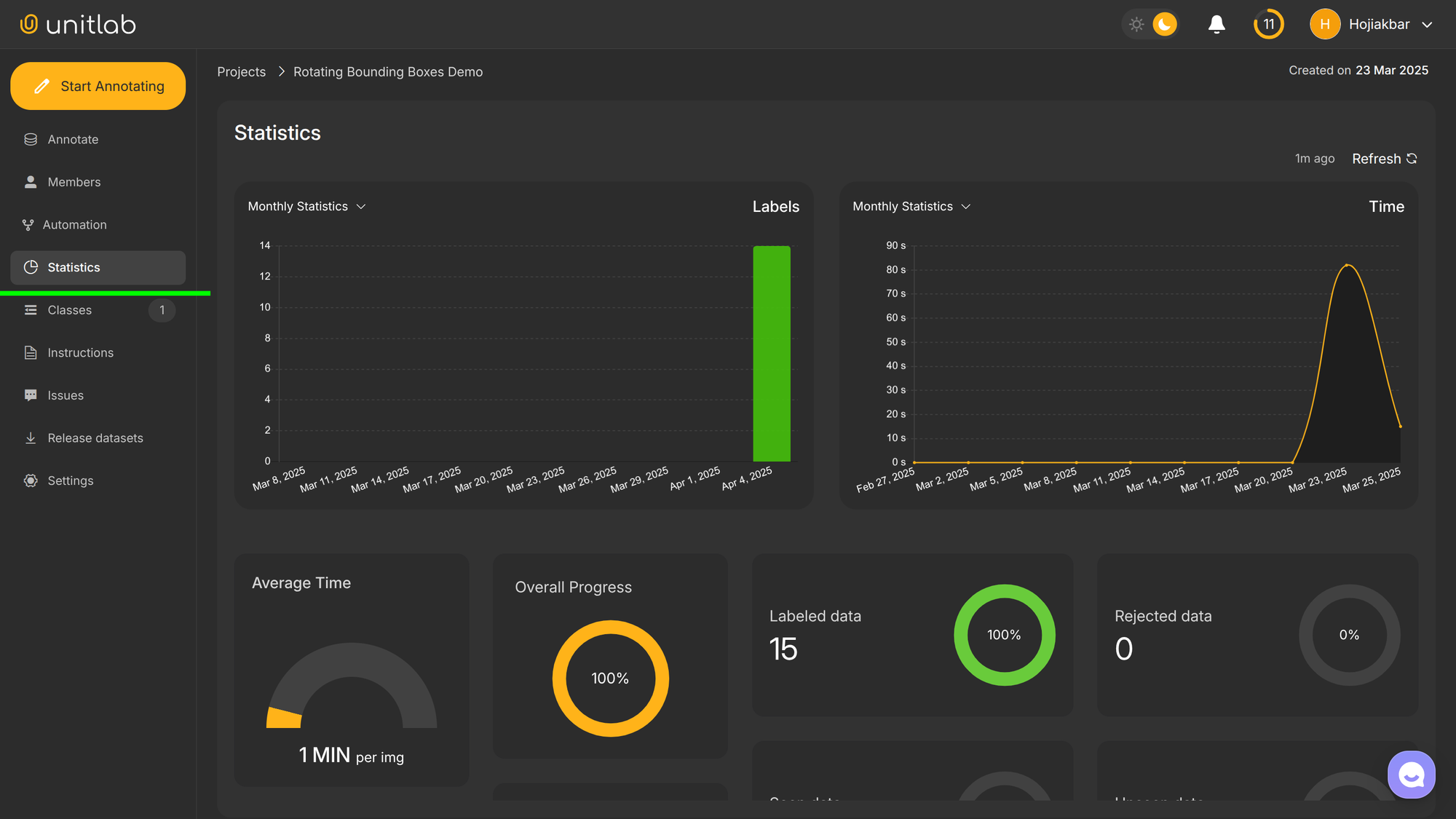
Unitlab AI provides a project-statistics dashboard to see how well the project is going. It also provides a per-annotator dashboard to see their performance. Follow this tutorial to see how you can set up and leverage these performance dashboards:
 Hojiakbar Barotov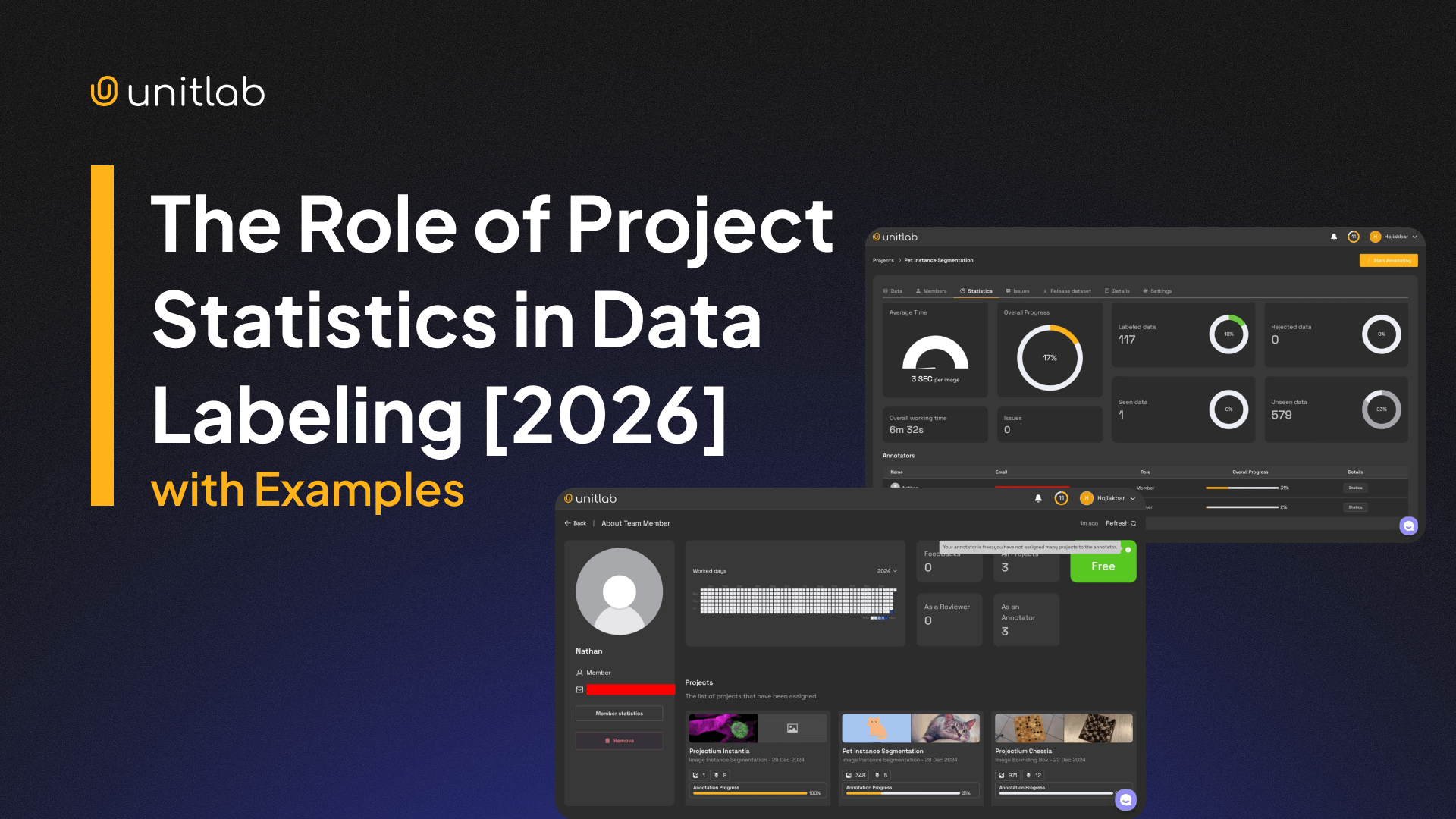
Tracking Progress | Project Statistics
#8. Dataset Versioning and Release Strategy
The rule of thumb: never train on moving datasets because you lose reproducibility. Instead train on specific versions of the dataset. This makes ML development iterative: you train your model on different versions of your dataset, you validate the model, and then you release another better version of the training set.
You would want a solution that automatically tracks and manages dataset versions in a straightforward manner. You would definitely not want to manage your precious datasets in this manner:

You would maintain a baseline (v0.1) dataset with improved datasets with clear changes over time that had:
- Snapshot releases: Freeze datasets before training.
- Schema version tags: Track class and rule changes.
- Guideline versions: Know which rules produced which labels.
Unitlab AI provides all of these out of the box with no configuration required. Elegant, innit?
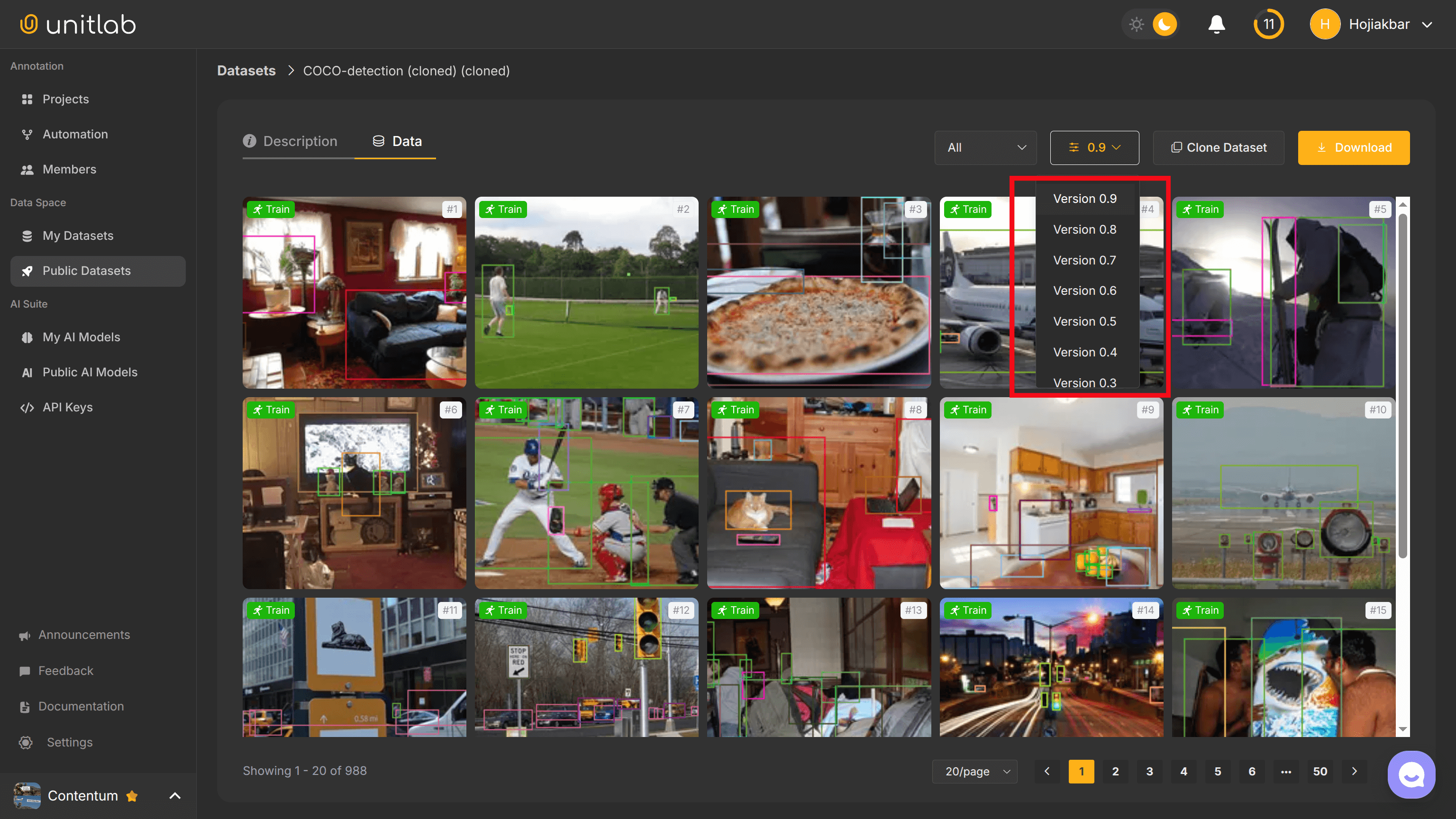
Try Dataset Versioning and Management yourself for free!
#9. Scaling Teams and Operations
Professional projects tend to be big, generally. Your technical configuration should take scaling problems into account. This applies not only to headcount, but also to systems, tools, and storage.
Small annotation teams rely on trust and each member. Large labeling teams rely on systems and tools, namely automation in order to scale. There is a whole guide on how to accelerate and scale your data annotation operations on our blog. Definitely check it out:
 Hojiakbar Barotov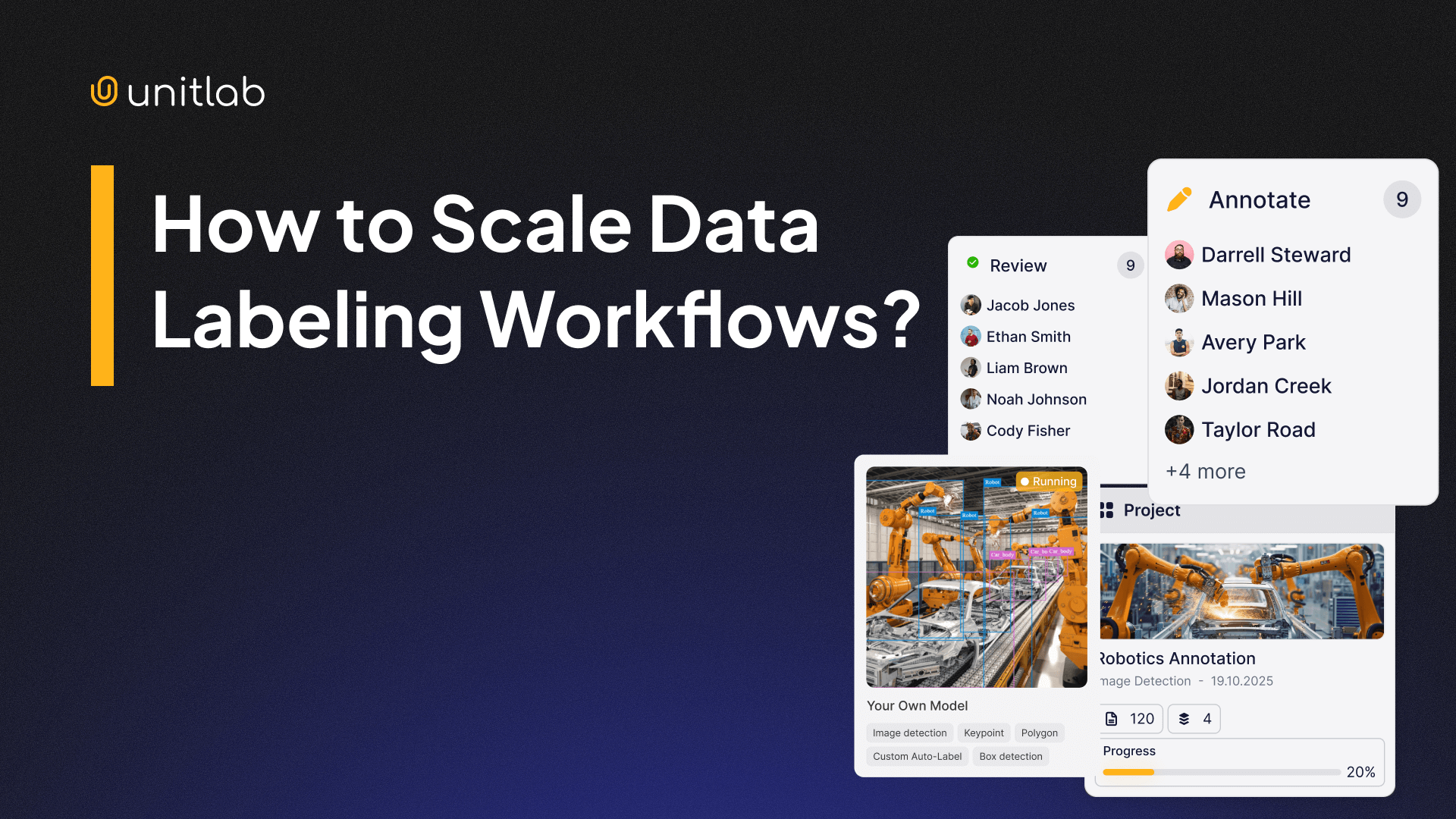
Scaling Data Labeling
Here is a quick overview:
- Role separation: Labelers, reviewers, auditors.
- AI-Powered tools: Batch-, crop-, touch-based automation of data labeling.
- APIs & SDKs: Automate manual operations with code.
- Continuous training: Update operations and guidelines based on real errors.
Then, you can scale your team easily at less cost.
Conclusion
Professional and hobby data annotation projects differ significantly in scale, difficulty, time, and expenditure. Consequently, the way they are set up and managed differ as well.
Based on our own experience and experience working with big and small customers alike, we come up with this 9-step guide to configure your data labeling project so that you will understand the trade-offs, assumptions, and important points. You will be good to go to manage a big project if you are a senior data annotator yourself.
Unitlab AI is a fully automated and accurate data platform that provides data annotation, dataset curation, and model validation for you. If you are thinking of starting a new big project, our platform may be the best choice for you.
Explore More
- Project Creation at Unitlab AI
- Writing Clear Guidelines for Data Annotation Projects in 2026
- The Role of Project Statistics in Data Labeling [2026]
References
- Hojiakbar Barotov (Oct 24, 2024). Project Creation at Unitlab AI. Unitlab Blog: Source
- Kili Technology (Jun 27, 2023). Best Practices for Managing Data Annotation Projects. Kili Technology: Source