


![Best Practices to Accelerate Data Annotation Pipelines [2026]](/content/images/size/w2000/2026/01/Accelerate.png)
In our last post, we shared 7 best practices on improving the quality of labeled images. We laid out a few ground rules in order to improve quality and maintain consistency of our AI/ML datasets.
While high-quality datasets are essential for training AI/ML models, the process of data annotation can become a bottleneck if it is not executed efficiently. Data scientists spend a majority of their time cleaning and preparing raw data, earning the nickname of "data janitors".
 Hojiakbar Barotov
7 Tips for Accurate Image Labeling | Unitlab AI
The previous post was about improving the quality of image labeling, while this post focuses on improving the data labeling process.
This post focuses on actionable strategies to optimize your data annotation pipeline:
- Leveraging auto labeling tools;
- Implementing collaborative annotation;
- Using CLI and APIs for automation;
- Integrating AI tools into the pipeline;
- Managing datasets automatically.
Let's dive in!
1. Use the Right Tools for Data Labeling
If the only tool you have is a hammer, you tend to see every problem as a nail. Choose the right tools for your task, not force fit your project into a given set of tools.
Choosing the data platform for your AI/ML project is fundamental to an efficient process. The tool of your choice should cater to the specific requirements of your project, whether you need bounding boxes, named entity recognition, audio annotation or other data types depending on the use case.
The efficiency of any data annotation process is substantially affected by the tools you are using. Therefore, it is highly recommended to specify the requirements for your data annotation tools before starting your AI/ML development in any platform.
 Shohrukh Bekmirzaev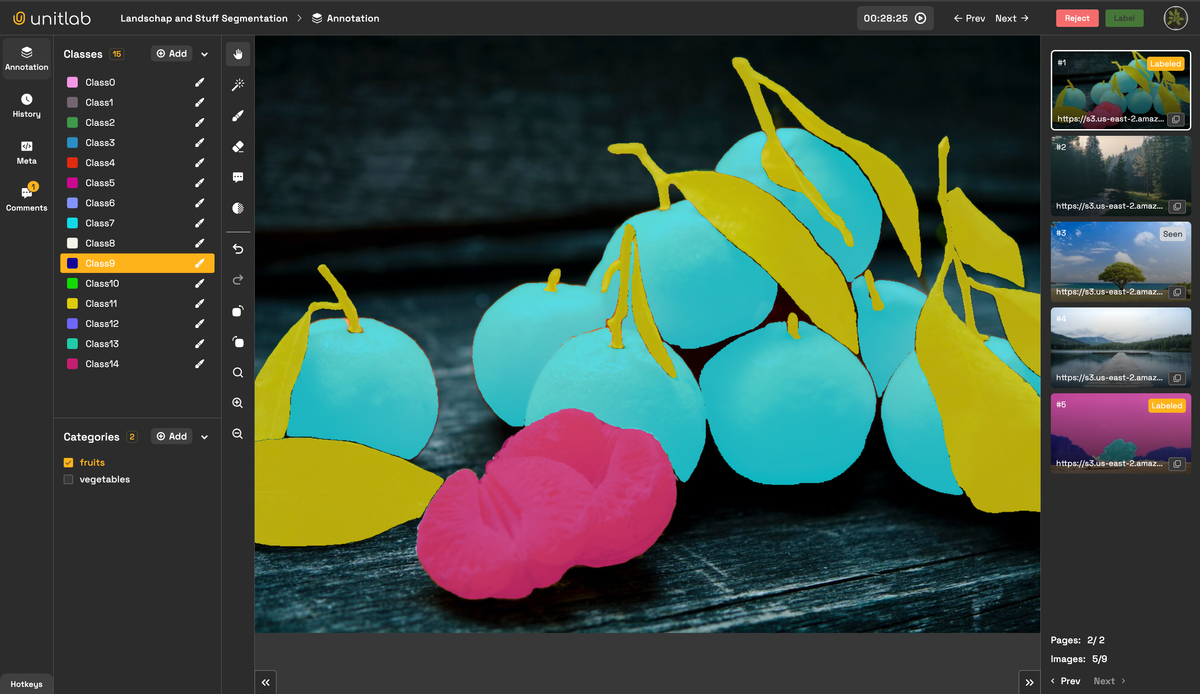
12 Best Image Annotation Tools of 2024 | Unitlab AI
Luckily, we made a cross-comparison between leading data annotation platforms and between open-source image labeling tools, highlighting their key features, ideal use cases, advantages, and their ideal use cases.
 Shohrukh Bekmirzaev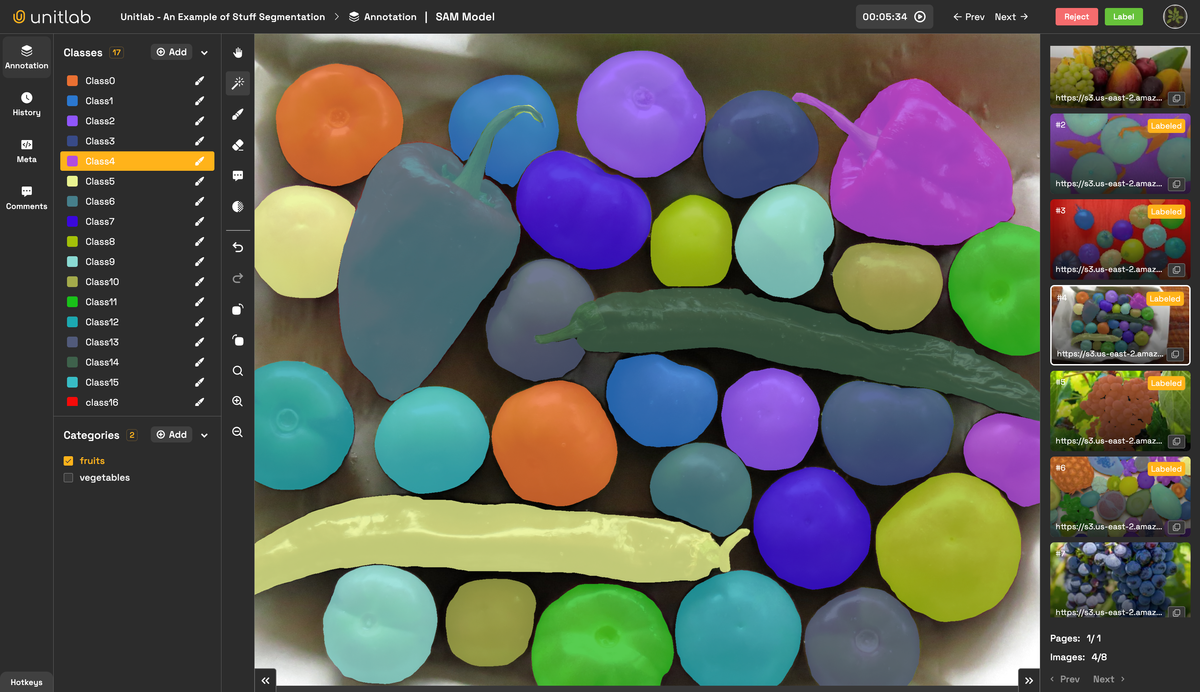
7 Top Open-Source Image Annotation Tools of 2026 | Unitlab AI
2. Leverage Auto Labeling Tools
Although manually annotating raw data can be of great quality, they are time-consuming and often economically not viable. Imagine manually annotating terabytes of data by hand. Just don't.
That's why auto-labeling tools depending on data type, such as crop auto-annotation and batch auto-annotation for image annotation, can be indispensable in accelerating the data annotation process. Powered by machine learning models, they are capable of annotating large datasets of data in a very short time, compared to human data annotators.
Image OCR Batch Auto-Annotation | Unitlab AI
You may be worried about the quality, but, these tools are incredibly accurate and reliable. Furthermore, human image annotators can review the output from these tools and make changes, which is still much faster than manual image labeling. This sequence, AI > Human > Human Reviewer, is known as the human-in-the-loop approach in machine learning, and proving to be most effective in most cases.
3. Choose Collaborative Labeling Solutions
Collaboration between project members (annotator, reviewer, supervisor, machine learning engineer) is critical in large-scale data annotation tasks. ML models are iterative, so there is a lot of going back and forth between annotators, reviewers, and engineers.
A robust data annotation platform with intuitive collaboration tools, project management and tracking features allows teams to annotate images simultaneously, assign and review tasks, and provide feedback and statistics in real-time, ensuring consistency across the dataset.
Unitlab AI offers advanced collaboration features that are essential for team-based ML/AI projects. This data annotation platform makes it easier for teams to work together and for managers to run the project while maintaining high-quality annotated datasets for AI/ML models.
4. Use Tools with CLI and SDK Support
There is a good reason why almost all data annotation platforms offer access to a command-line interface (CLI) and software development kit (SDK). In data annotation tasks, automating routine tasks as much as possible becomes a necessity to maintain efficiency.
By automating manual clicking in web platforms, especially when you have to do certain tasks (updating data, generating a report, downloading latest annotations) regularly, these software components not only increase speed, but also reduce manual effort, thus the possibility of human errors.
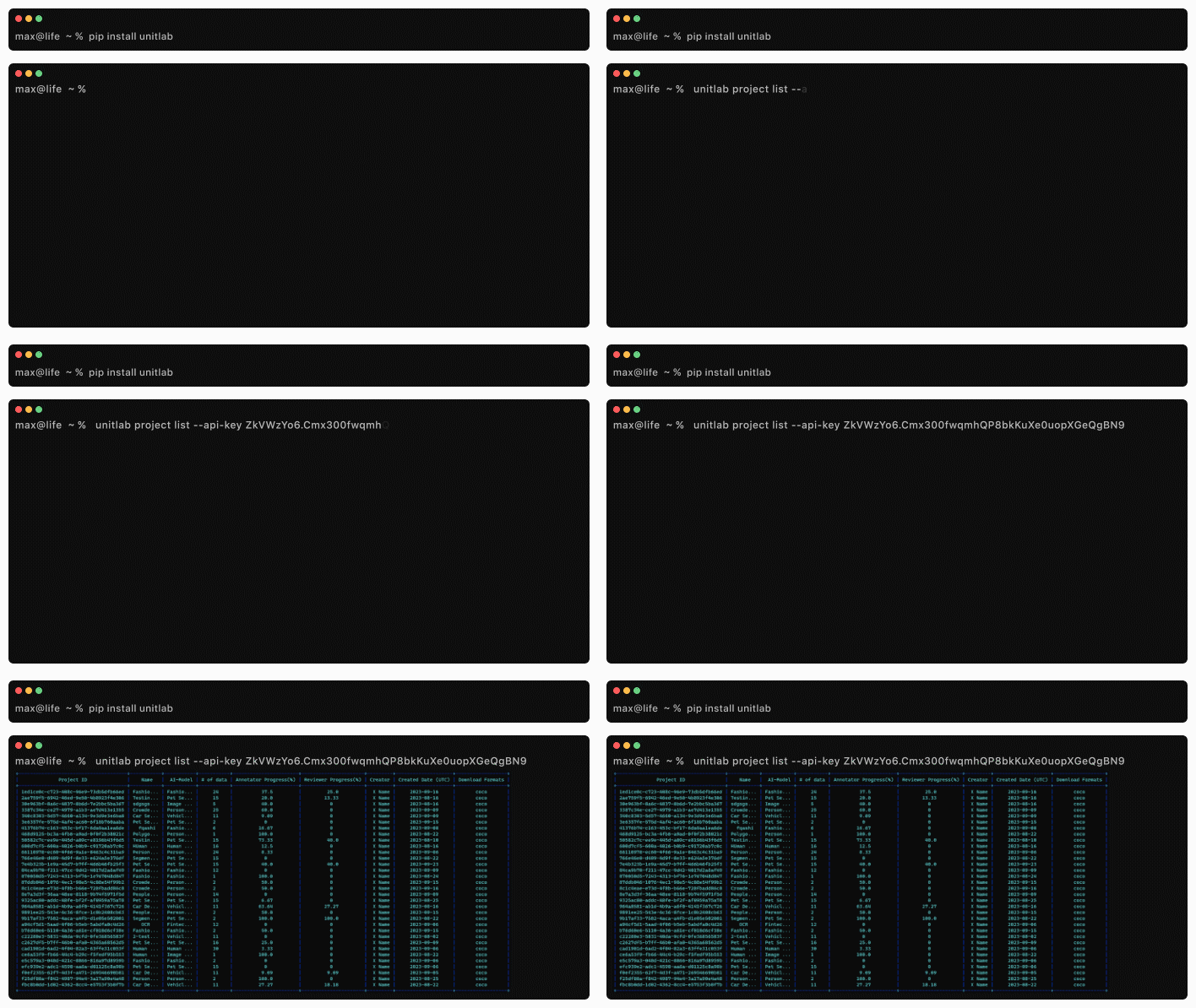
These two features allow teams to manage projects and datasets from the command line programmatically: with the CLI, you can create and manage annotation projects, upload data, release datasets, and download annotated labels. For users who has experience working from the terminal, the CLI is faster and more flexible than the web platform.
With Python SDK provided by Unitlab, you can write Python scripts that you run at intervals to automate most manual tasks.
5. Opt for Data Annotation Tools with AI Integration
AI-powered features are game changers in the data annotation process. With data labeling tools powered with AI integration, you can speed up your data labeling process many times. Many data annotation platforms offer ready-to-use, trained AI models to use out of the box. However, in some cases, AI/ML engineers may want to use their own custom models for their data annotation tasks.
The integration of AI models with web-based data annotation platforms have three main benefits: model visualization, auto data annotation, and model evaluation. Therefore, it is best to choose a data annotation platform that lets you integrate your AI models for your own custom use cases.
 Hojiakbar Barotov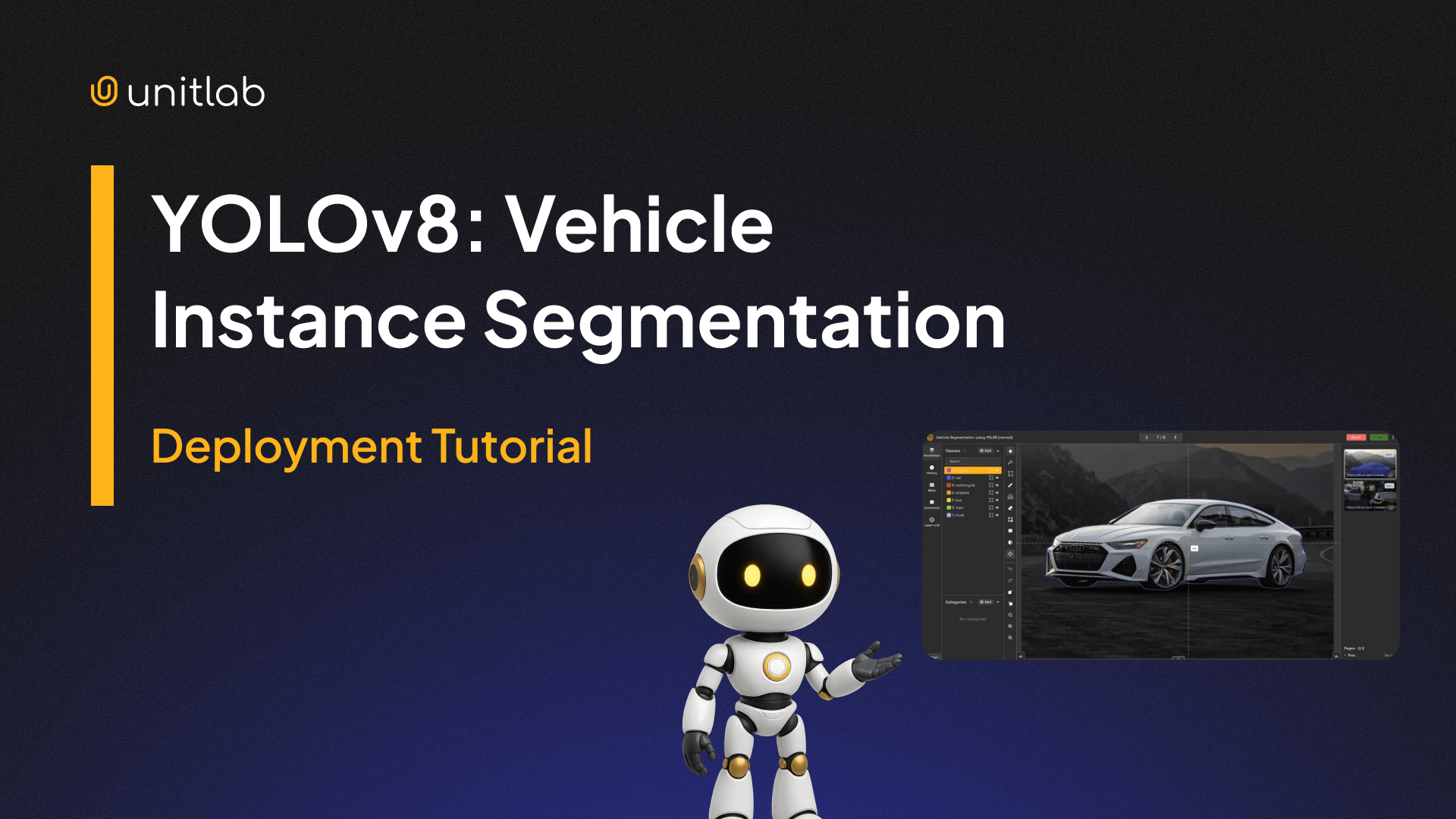
Integrate YOLOv8 for Vehicle Instance Segmentation | Unitlab AI
Unitlab AI stands out as a leading data annotation solution, offering AI-powered tools that enhance productivity. Whether you're working with AI datasets or traditional ML datasets, integrating your own AI models can make a significant impact on your project’s success.
6. Prioritize Dataset Management Features
All the tips above do not work properly if your dataset is poorly handled as it is the entry point for AI/ML development. Needless to say, proper dataset management is a key component of a successful data annotation pipeline.
In any data annotation process, you may want to release your dataset to be used on your purposes and label source data in the dataset incrementally. To ensure that your dataset remains consistent and organized, it is essential to choose a platform that offers dataset version control, exporting datasets and cloning.
 Hojiakbar Barotov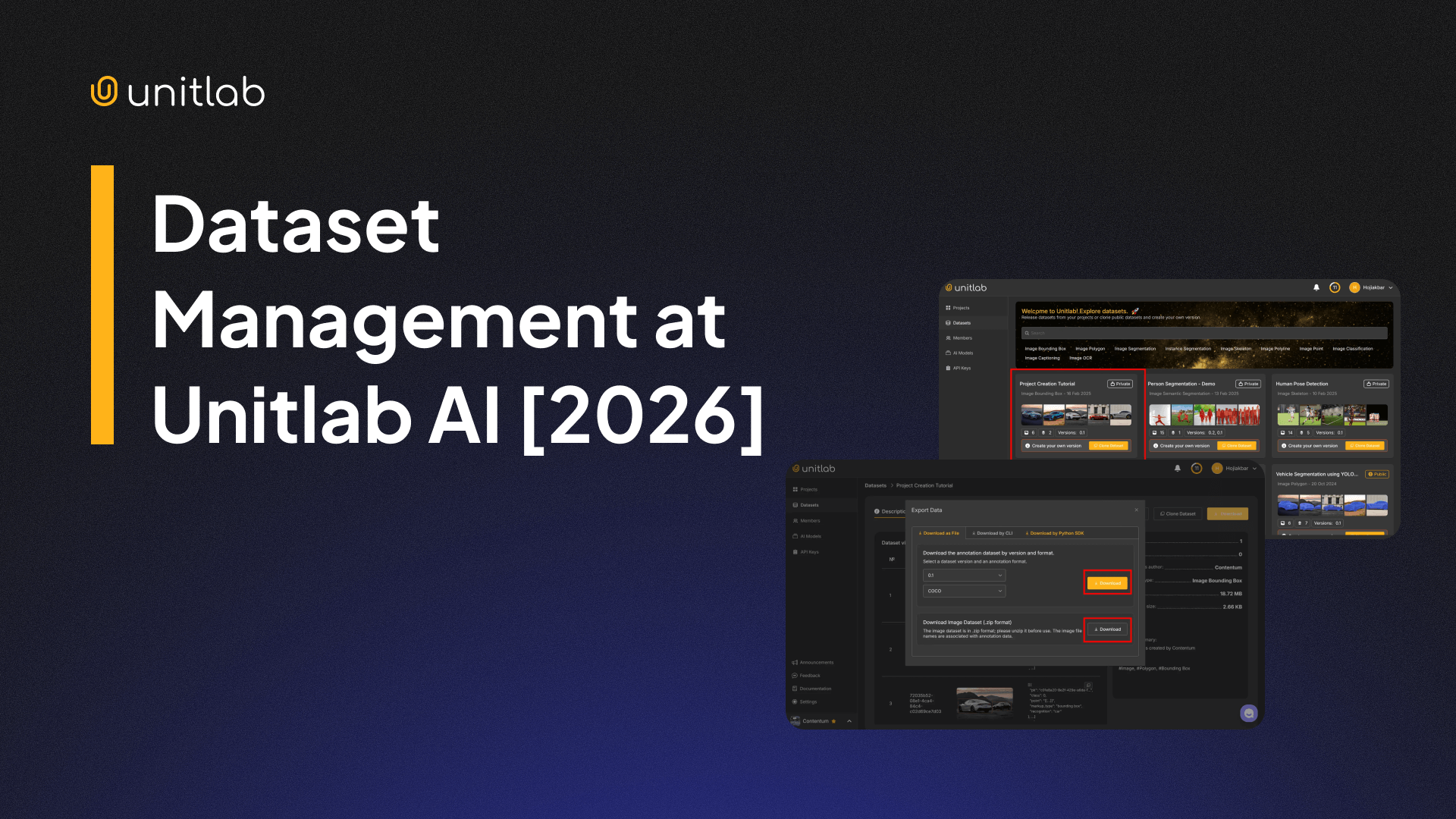
Dataset Management | Unitlab AI
Unitlab AI provides comprehensive dataset management tools, enabling teams to maintain control over even the most complex datasets while ensuring consistency across annotations.

7. Use Unitlab AI for Data Labeling
Unitlab AI is an collaborative, all-in-one data labeling solution that covers a wide range of use cases, offers auto-labeling tools, supports CLI and SDK for programmatic use, integrates custom AI models and prioritize advanced dataset management. As of now, Unitlab AI provides data annotation support for images, text, audio, video, and medical, with other types coming soon.
Unitlab AI is designed to meet the needs of both small teams and large enterprises, offering flexibility, speed, and scalability for projects of any size. We have a fair, affordable, and transparent public pricing table for you to make an informed decision.
Unitlab AI is an excellent choice for handling data annotation and managing AI datasets. Explore more about Unitlab AI here and discover how it can elevate your image annotation process.
![7 Best Practices for Accurate Image Labeling [2026]](/content/images/size/w360/2026/01/Accurate.png)
![Image OCR Annotation with Unitlab AI with Examples [2026]](/content/images/size/w360/2026/01/OCR.png)